From reference photo to finished session in minutes
The entire process is simple and intuitive. See how in 6 steps you go from a reference photo to a finished, professional photo session.
Start for free6 simple steps
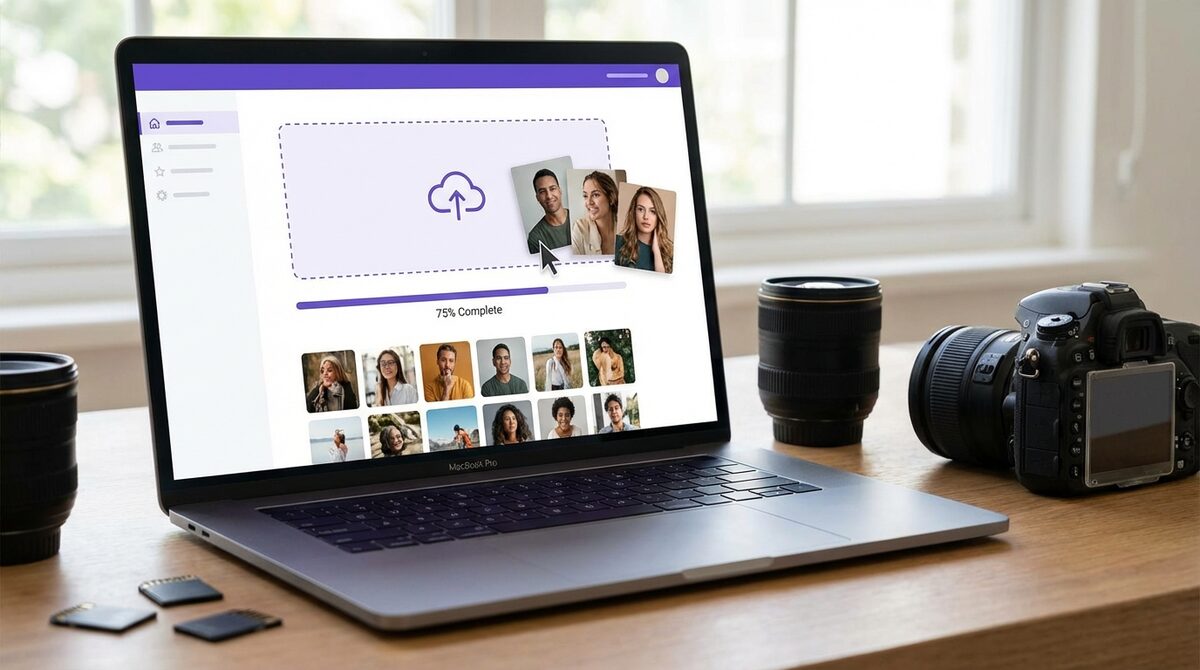
Upload reference photos
Upload your client photos to the platform. We support JPEG, PNG, TIFF, and RAW. Drag and drop multiple files at once - no limits.
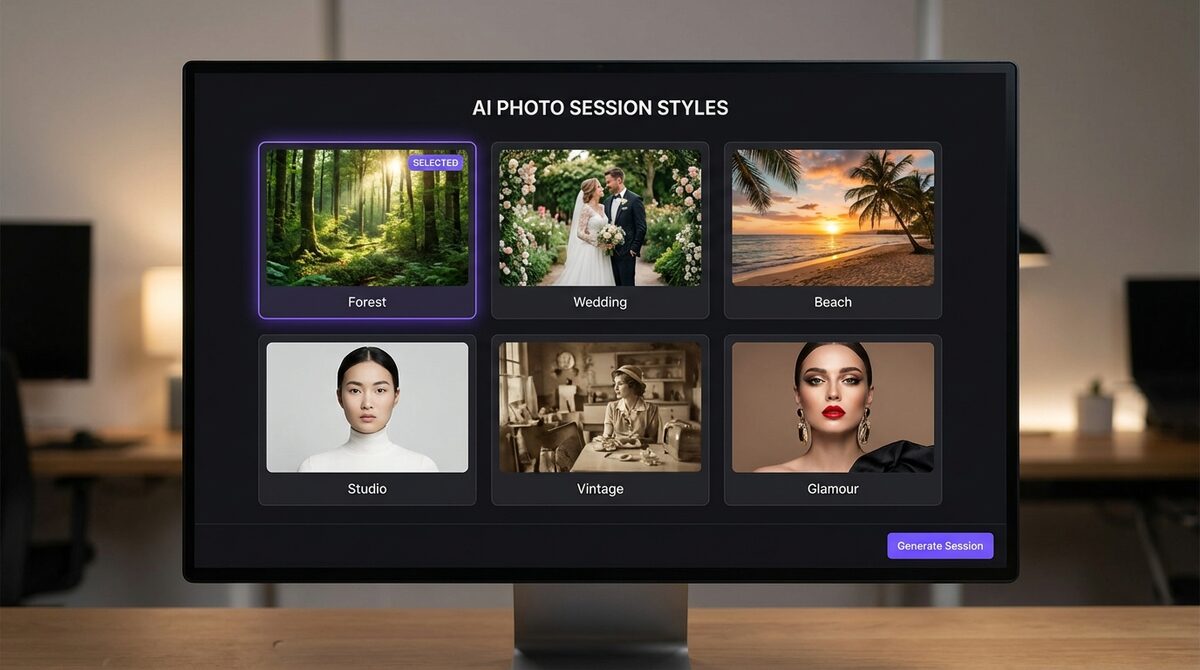
Choose session style
Choose from our session style library: forest, beach, studio, wedding, vintage, glamour, family portrait, and many more. Add your own instructions and preferences.
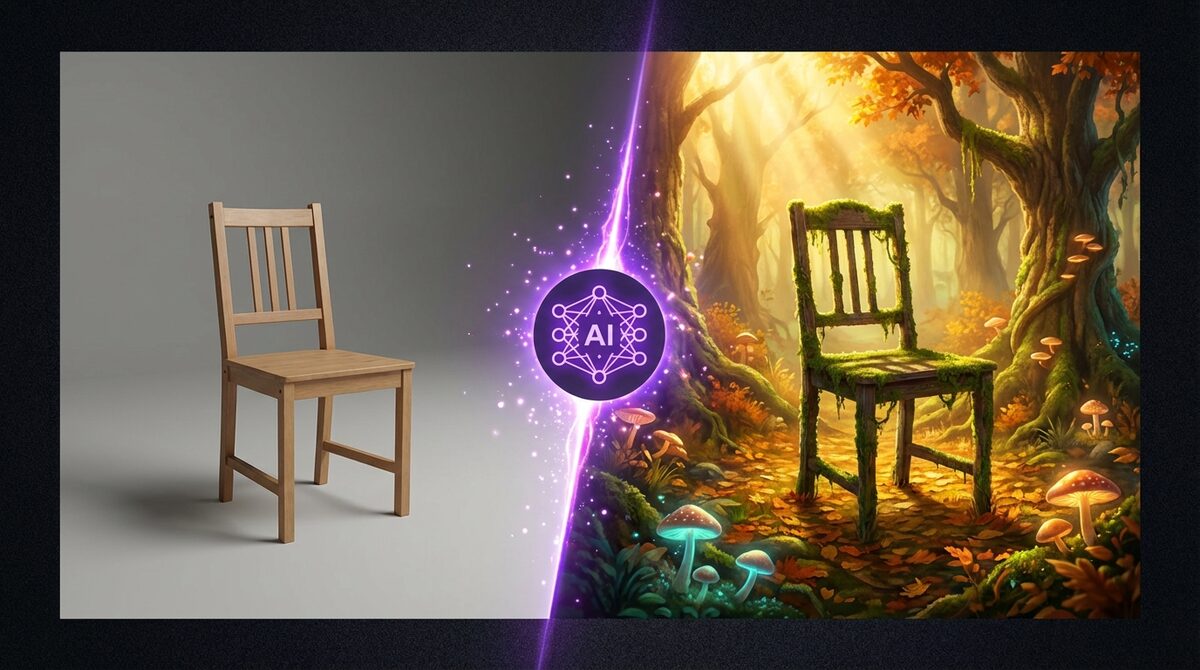
AI generates the session
Google Gemini AI analyses your reference photos and creates professional compositions in your chosen style. Skin retouching, lighting correction, and color grading - all automatic.
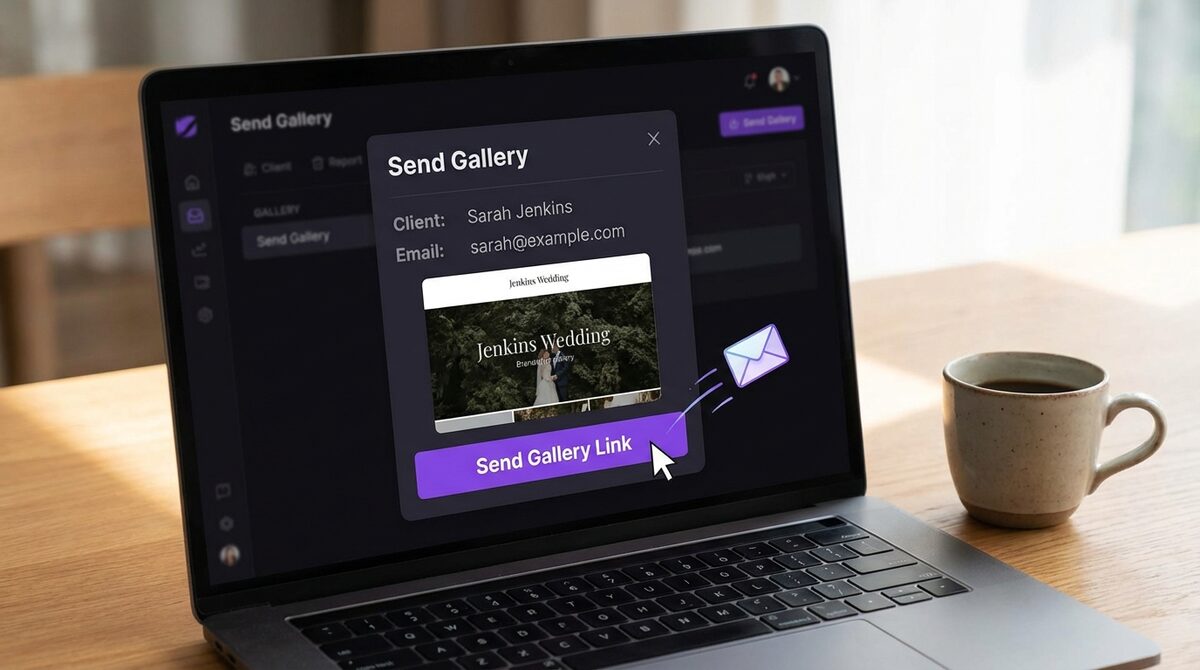
Send gallery to client
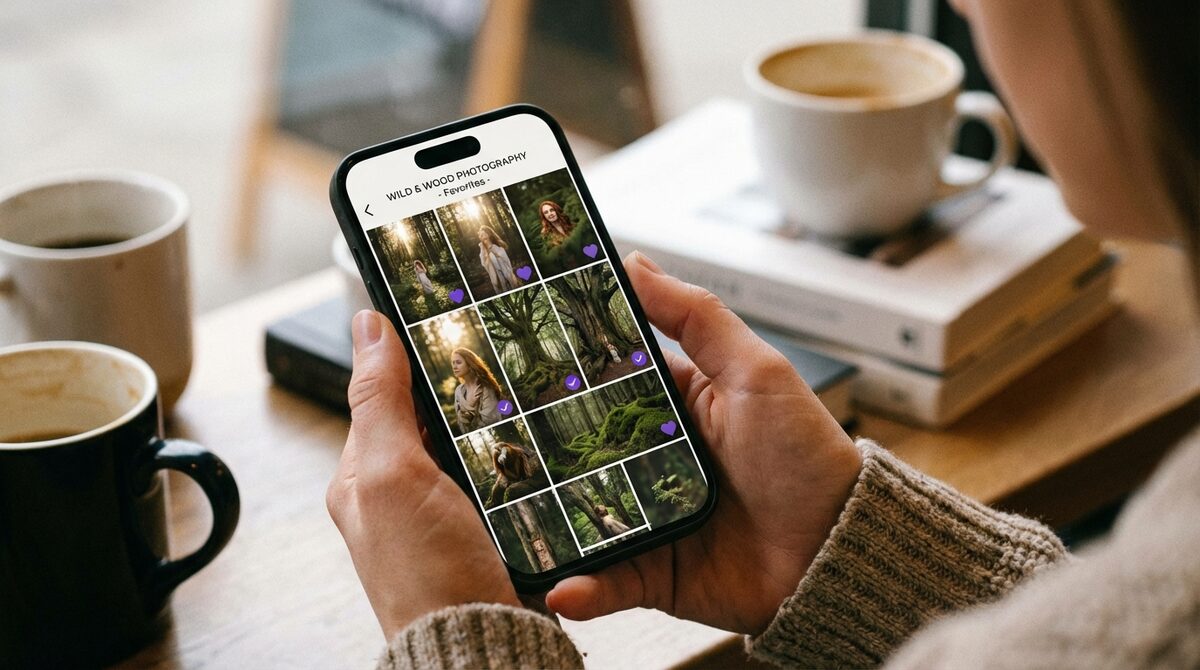
With one click, send a branded gallery to your client. Watermarked previews, elegant interface in your studio colors, accessible from any device.
Client selects favourites
Your client browses the gallery, marks favourite photos, leaves comments, and confirms their selection. Everything from phone or computer - intuitive and fast.
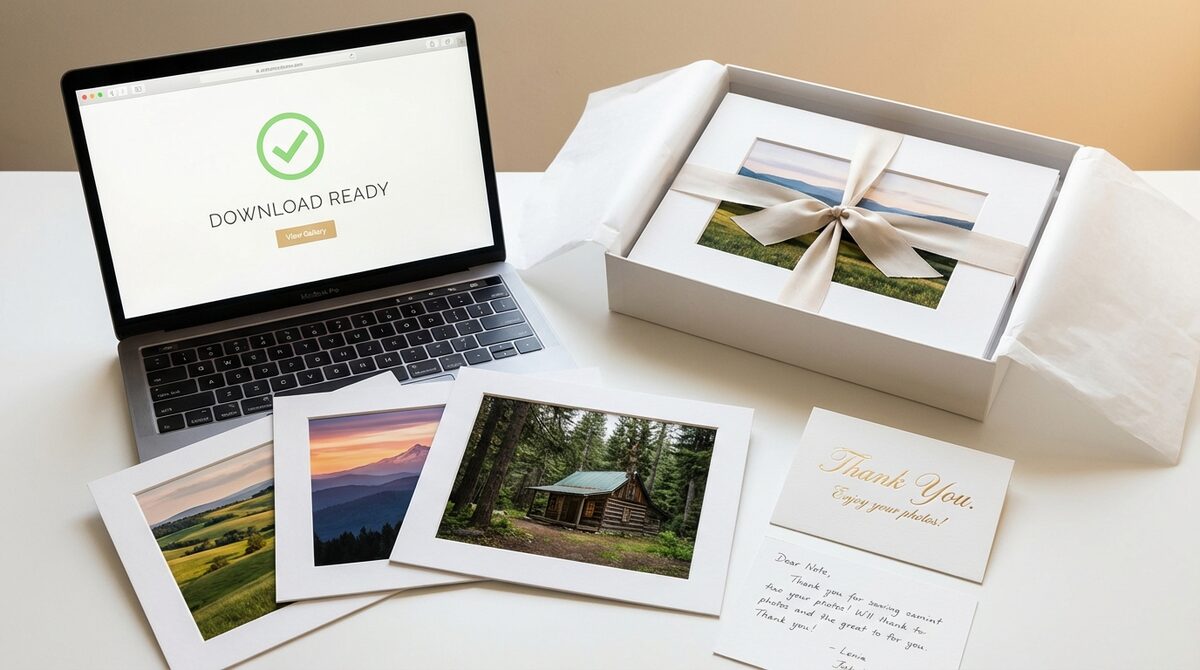
Deliver and earn
Generate high-resolution versions of selected photos, make them available for download, and accept print and canvas orders. Grow your business with every session.
Ready to try it?
Create a free account and generate your first AI session in minutes.